
We’ve all had that moment. You’ve finally sat down with a cup of coffee, only for one thought to interrupt the peace: Did I lock the car?
Or it’s a frosty January morning, and scraping ice from the windscreen makes you want to delay the commute altogether.
Not long ago, these were simply part of owning a car. Today, many Ford drivers can manage these little stresses from their smartphones.
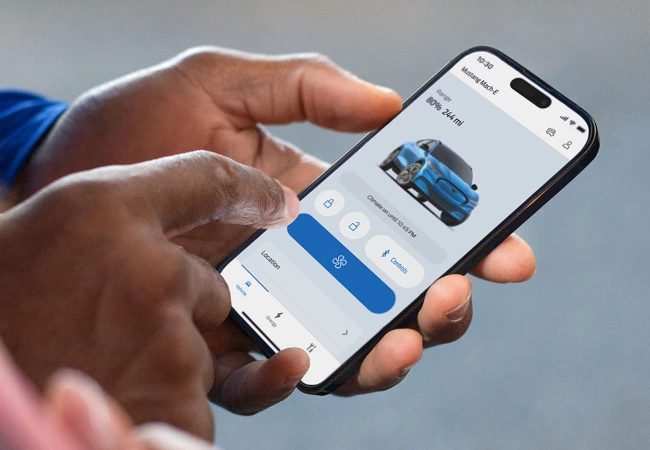
The Ford app connects you to your vehicle more conveniently, putting ownership tools, remote controls, and vehicle information all in one place.
Once you pair your compatible Ford using its modem, your phone becomes more useful than ever. You can use it to check, control, and understand your car before you step in.
1. Set Up Your Digital Garage in Minutes
Getting started is simple. Download the Ford app from the App Store or Google Play Store. Sign in with your Ford Account, then follow the steps to add your vehicle.
If your household has more than one car, you can manage them from a single account.
Already have an account? You can use your existing login details, but you may need to verify your account with a six-digit code. This will be emailed to you during setup.
The Ford app brings key information together in one place. It works with all Ford vehicles, but remote features need a built-in modem. You can still add older models without a modem for basic tracking, owner information, and service history.
2. Lock Your Car, Wherever You Are
There’s nothing more annoying than walking away from a car and then wondering whether you locked it. With remote locking and unlocking on compatible vehicles, the Ford app lets you check and secure your car from your phone.
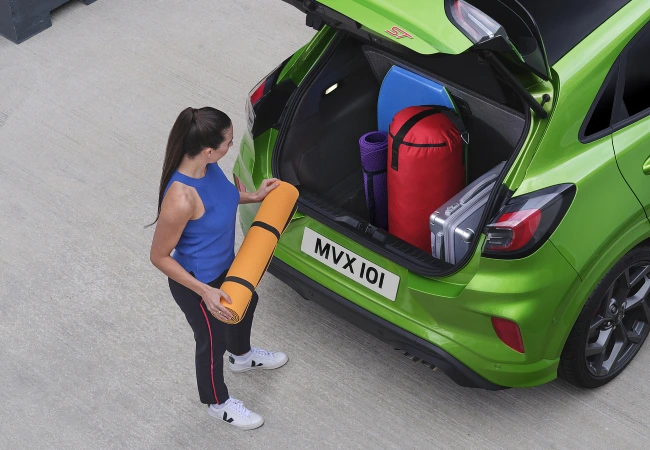
That can be especially useful if you’re already inside the house, at work, or too far away to go back and check manually. It can also help when someone needs to grab a forgotten school bag, coat, or gym kit from the boot while you’re elsewhere.
With the right setup, you can unlock the vehicle remotely, then lock it again once finished. You should still keep your key with you, as remote features depend on vehicle compatibility. But for everyday reassurance, it is one of the app’s most useful tools.
3. Find Your Parked Car More Easily
Large car parks can make your car surprisingly easy to lose, whether you’re at the supermarket, airport, or in a multi-storey. Even if you know roughly where you parked, rows of similar spaces can make it harder to find your way back.
The Ford app can show your vehicle’s last recorded location on a map. This gives you a useful starting point, especially when you’ve parked in a large, busy, or unfamiliar place.
It is a simple feature, but a very practical one. For more specific details, it can help to make a quick note yourself. A parking level, colour zone, or nearby landmark can make the final few steps much easier when you come back.
4. Make Cold Mornings Feel a Little Easier
British weather can make the school run or morning commute harder than it needs to be.
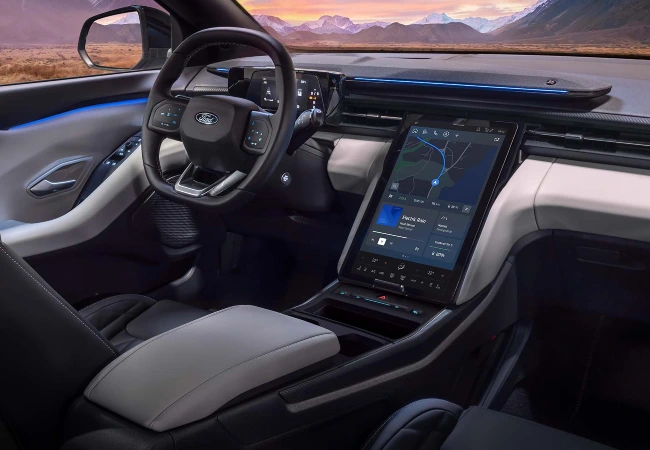
With remote start, you can switch on compatible Ford models before you step outside. This gives the cabin time to warm up and can help clear the windows before you get in.
If you drive a plug-in hybrid or electric Ford, scheduled departure settings can be especially useful. When plugged in, your vehicle can prepare the cabin before you leave. This makes it more comfortable while helping preserve battery for the journey ahead.
That means you can step into a car that is already closer to the temperature you want. You’ll spend less time dealing with cold seats, misted glass, and the window scraper.
5. Stay on Top of Charging and Range
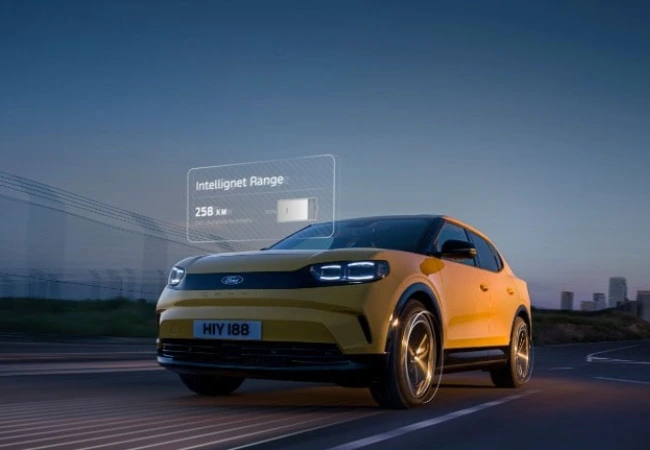
If you drive an electric or plug-in hybrid Ford, the app can make day-to-day charging easier to manage. You can check charging progress, battery information, and available range from your phone. You don’t need to go outside just to check the car.
This is useful when you plug in at home, at work or at a public charger. Intelligent range information estimates how far you can go, helping you plan your journey. It’s available on models such as the All-Electric Ford Capri, Explorer, and Mustang Mach-E.
For many EV drivers, that reassurance matters. Before leaving, a quick check can help you decide whether to top up, plan a charging stop, or head out as planned.
6. Spot Vehicle Health Issues Sooner
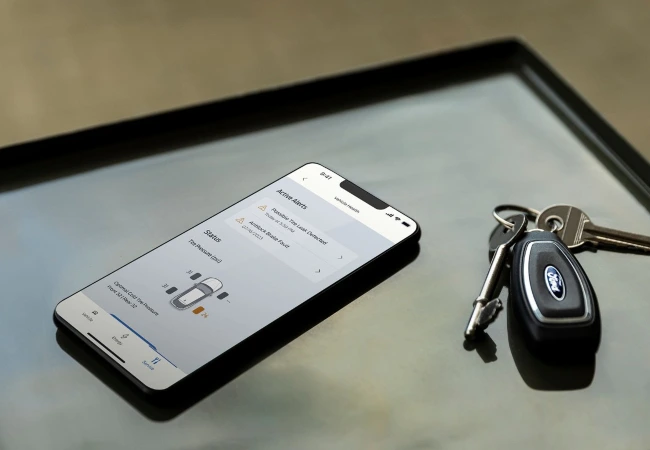
Nobody wants to see a dashboard warning light. With the Ford app, you can monitor your vehicle and spot small issues before they become bigger inconveniences.
What you can see depends on the model. This may include the fuel level, oil life, and tyre pressure. On electric vehicles, it may also include battery charge and other vehicle health information. You can also receive alerts when something needs attention.
If your Ford needs a check, service or repair, your local Stoneacre Ford team can help. Regular maintenance can protect performance, reliability, and long-term value.
7. Get Help When You Need It Most
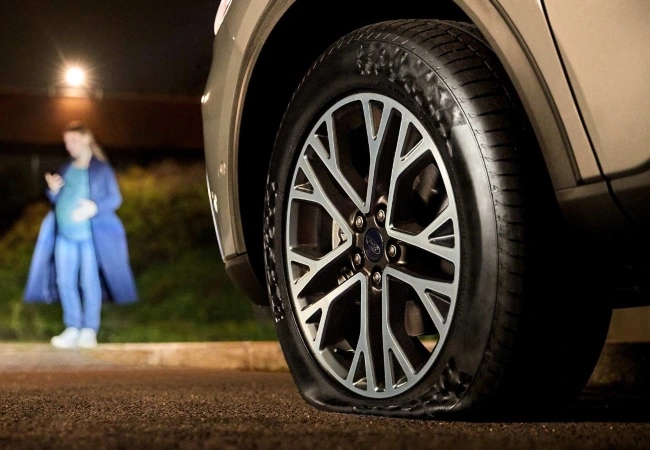
A breakdown can be stressful enough, but it can feel harder when you need to explain exactly where you are. Being able to share your location can make a big difference.
The Ford app gives you access to Roadside Assistance from your phone. You can request support when something goes wrong, without needing to search for the right number. In some cases, you can share your location to help assistance reach you more quickly.
It’s a small feature that can feel very useful at the right time. When something goes wrong, having a clear next step can make all the difference.
The Future of Ford Ownership Is Already in Your Pocket
The Ford app is not just another icon on your phone. For many drivers, it is a practical way to make ownership simpler, calmer, and more convenient.
It can help you lock the car, locate it in a busy car park, check charging progress, warm the cabin, and access roadside assistance. It supports much more than just the drive itself.
Ready to get more from your Ford? Download the Ford app, pair your compatible vehicle and speak to your local Stoneacre Ford team if you need help getting connected.